



Features
Lean. Scalable. Versatile. Fast.
Simplify Your GUI Development
Have you ever thought that developing GUIs for embedded devices could be really fast and easy? Watch the video to get to know Embedded Wizard’s workflow and how it simplifies your GUI development.
Integrated Development Environment
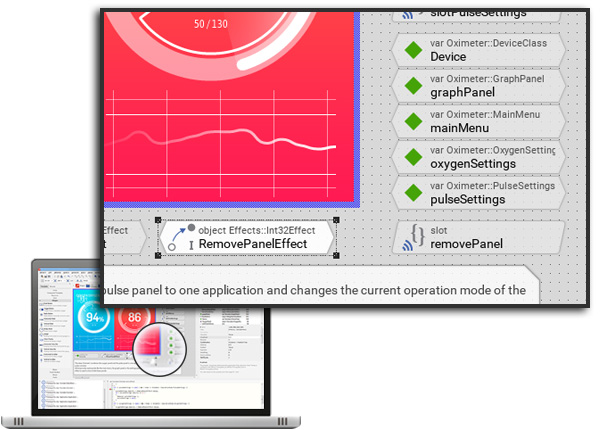
- Modern and user-friendly WYSIWYG authoring tool, the Embedded Wizard Studio
- Object-oriented, component based development approach
- Integrated prototyping and debugging environment to test the GUI application instantly
- Generation of source code optimized for your selected target system
- Supports the extraction of documentation from your project
- Support of a CLI (command line interface) to be integrated into your batch jobs
- Includes a rich set of available example projects
GUI Elements
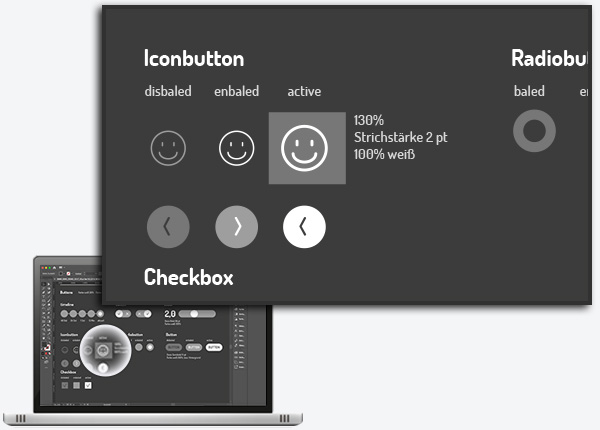
Images
- Import of images provided in PNG, JPG, BMP and GIF files. The images are automatically converted in color formats adequate for your selected target system
- Support of multi-frame and animated images - ideal for animated icons
- Support of alpha-only images, where the color can be set at the runtime
- Integration with an external image decoder is possible
Text, Fonts & Languages
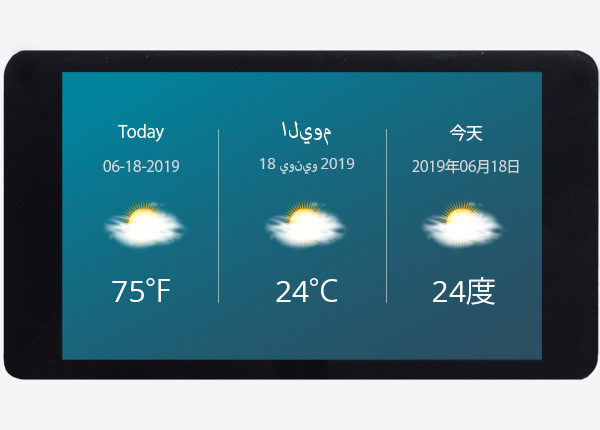
- Support of text with code points from UNICODE plane 0 (0x0000..0xFFFF)
- Support of bidirectional text (BIDI) output with left-to-right (LTR) and right-to-left (RTL) text writing direction, as well as combinations of them according to the Unicode Standard Annex #9 Unicode version 10.0.0
- Support of Arabic or Hebrew strings. For printing Arabic strings, contextual shaping and mandatory ligatures are supported
- Import of glyphs and metrics from TrueType fonts installed on your PC
- Integration with an external TrueType font engine is possible
Shapes, Components & UI Controls
- Many primitive views to display rectangles, line segments, borders and bevels
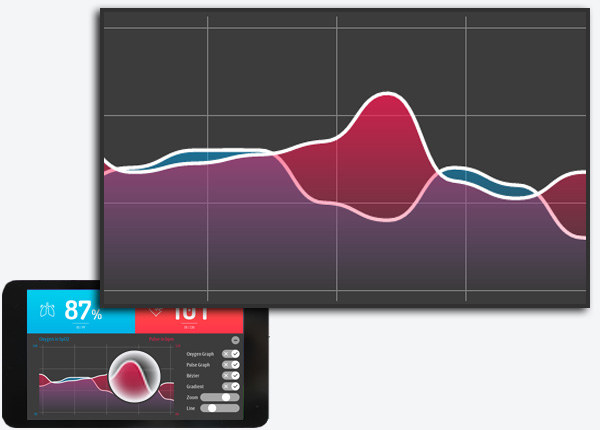
- Vector graphic views to fill and stroke paths, Bézier curves, arcs and many more
- Rich set of ready-to-use widgets. The appearance as well as the behavior of the widgets can be configured individually
- Rich set of GUI component templates to be used as starting point when creating new, unique GUI components
Views
- Various views intended to display images, image repetitions and borders composed of images
- Views intended to display text and attributed text. With attributed text a complex text layout is possible. Automatic text wrap in paragraphs and columns during runtime
- Various views to display scrollable contents and to group other views together
- The views can be configured to be displayed with or without alpha-blending, opacity modulation or color gradients
- Screen Transitions with the help of dialogues - Support of screens and animated transitions between them
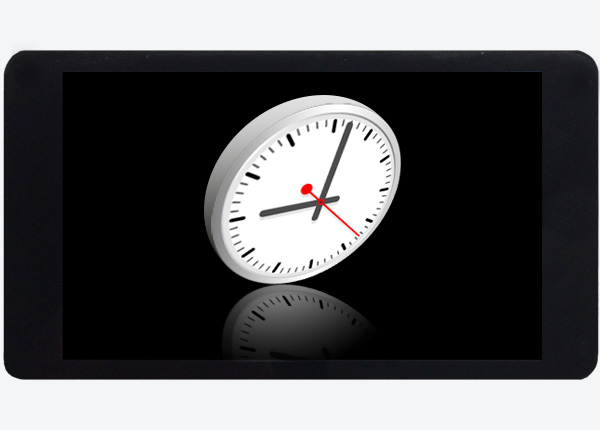
- Scaling, rotation and perspective correct projection (3D effects) of images and nested GUI components
- Layout constraints for automatic adaptation of the layout when resizing GUI components
- Various timer and effect objects to enrich the GUI application with animations
Multiple GUI Options out of one Project
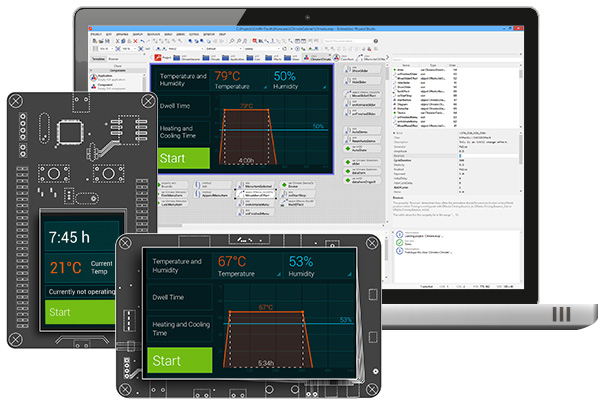
- Localization of images, texts as well as other data entities to simplify the creation of multi-lingual GUI applications.
- Support of themes and product variants by creating multi-variant GUI components, images, etc. Selection of the right variants occurs automatically during code generation or dynamically during runtime
- Multi-Platform + Remote Web GUIs with the help of JavaScript/WebGL
Performance & Memory Footprint
- Automatic garbage collection to reclaim unused memory
- Automatic generation of a unique CLUT (color look-up table) which is optimized for your target systems using a CLUT based frame buffer
- Direct access of bitmap and string resources from flash in order to avoid unnecessary memory allocation
- An external interfaced display controller with its GRAM can be used without allocating a whole framebuffer on the target system
- Support of different bitmap source formats to achieve the best flash footprint as possible
- Only visible items and dirty areas are updated
- Calculates the size of the flash memory required by the target system during code generation
- Provides additional information about the lowest possible configuration parameters for various buffers and caches estimated during application runtime
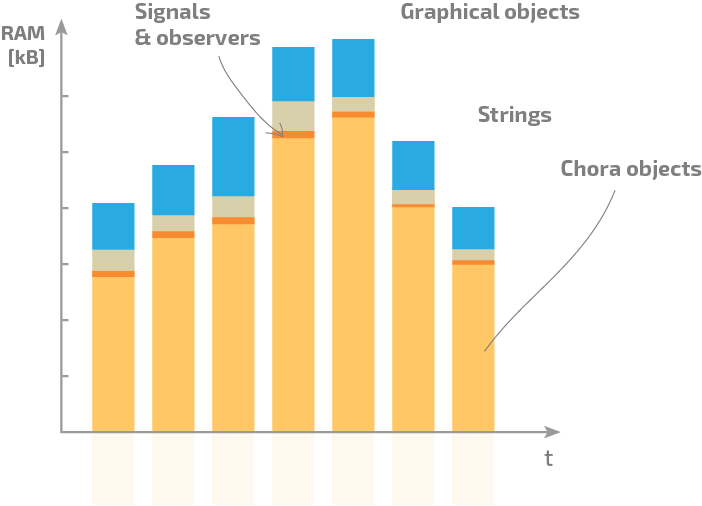
- Bar chart to show estimated total memory usage (RAM) of the developed application and to reflect memory requirements within target device
User Input Events
- Various handlers to process touch screen events and recognize gestures including the support of multi-touch
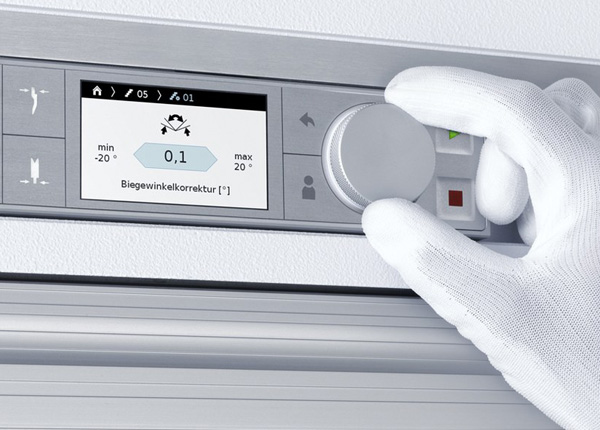
- Handler to process keyboard or hardware buttons events
- Extendable framework to integrate any custom events like voice control
Lean HW Requirements
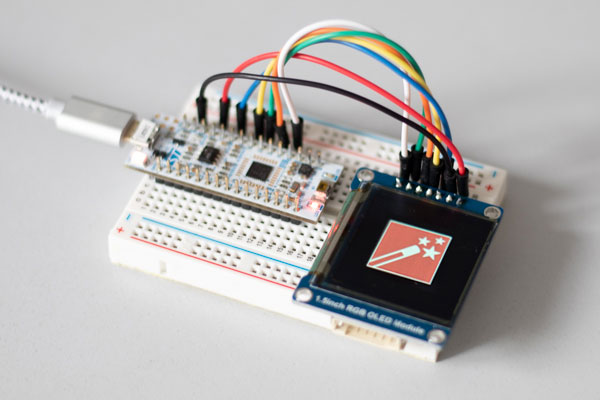
- Minimum 32bit CPU
- Access to linear pixel based frame buffer
- Access to one timer with 1-10 ms resolution
- No (RT)OS required - GUIs can also be executed on bare metal
Supported Frame Buffer Color Formats
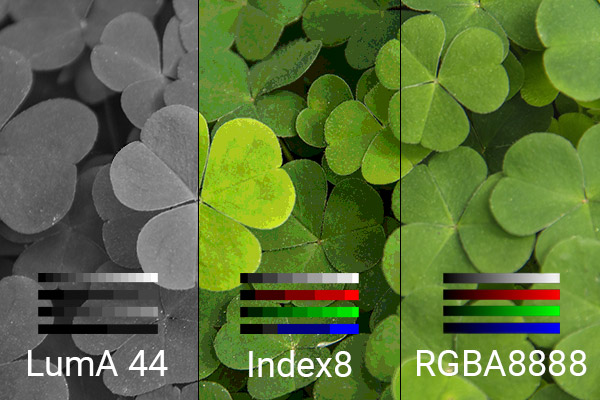
The color format of a GUI application depends on the capabilities of the desired target system and on the possible color format of the frame buffer. In general, Embedded Wizard supports many different color formats like:
- 32-, 24-, 16-bit true color formats (RGBA8888, RGB888, RGBA4444, RGB565)
- 8-bit CLUT based (color look-up table) color format (Index8)
- 8-bit grayscale/monochrome format (LumA44)
Download Free Edition
Learn all the steps of GUI development with Embedded Wizard and start creating your first application in less than five minutes.